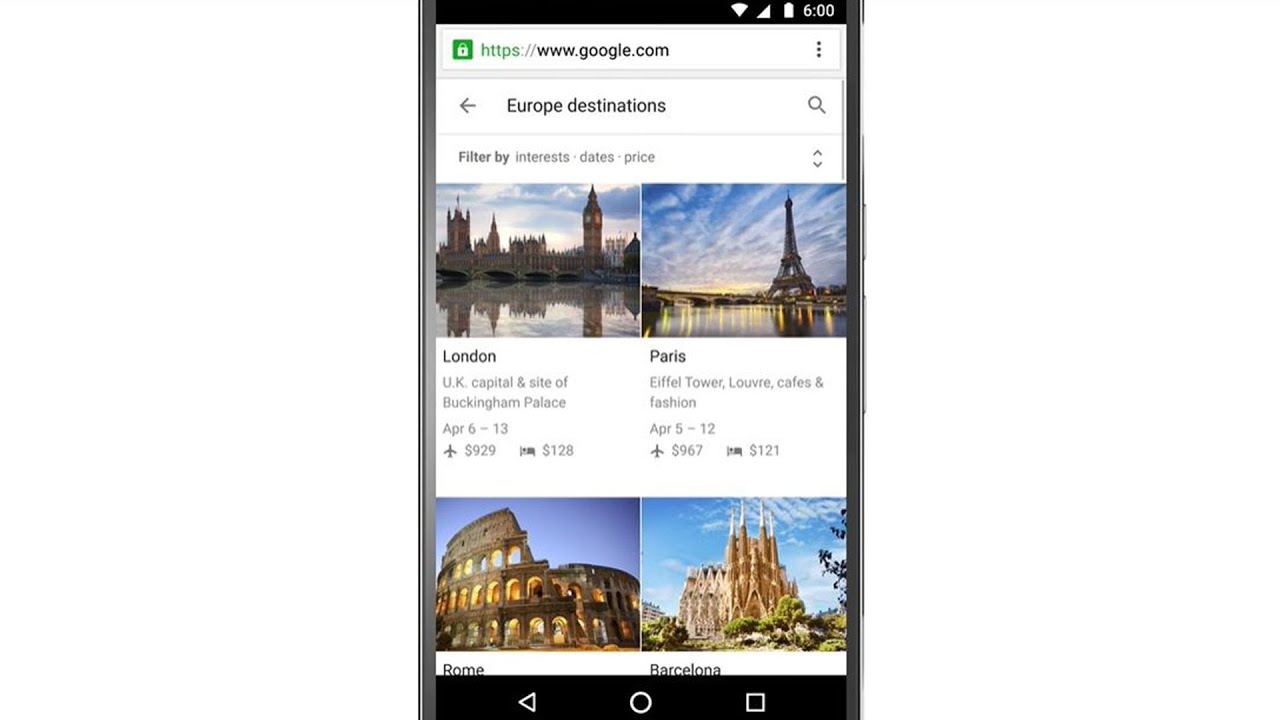
Google
@google·14.3M subscribers·2.8K videos
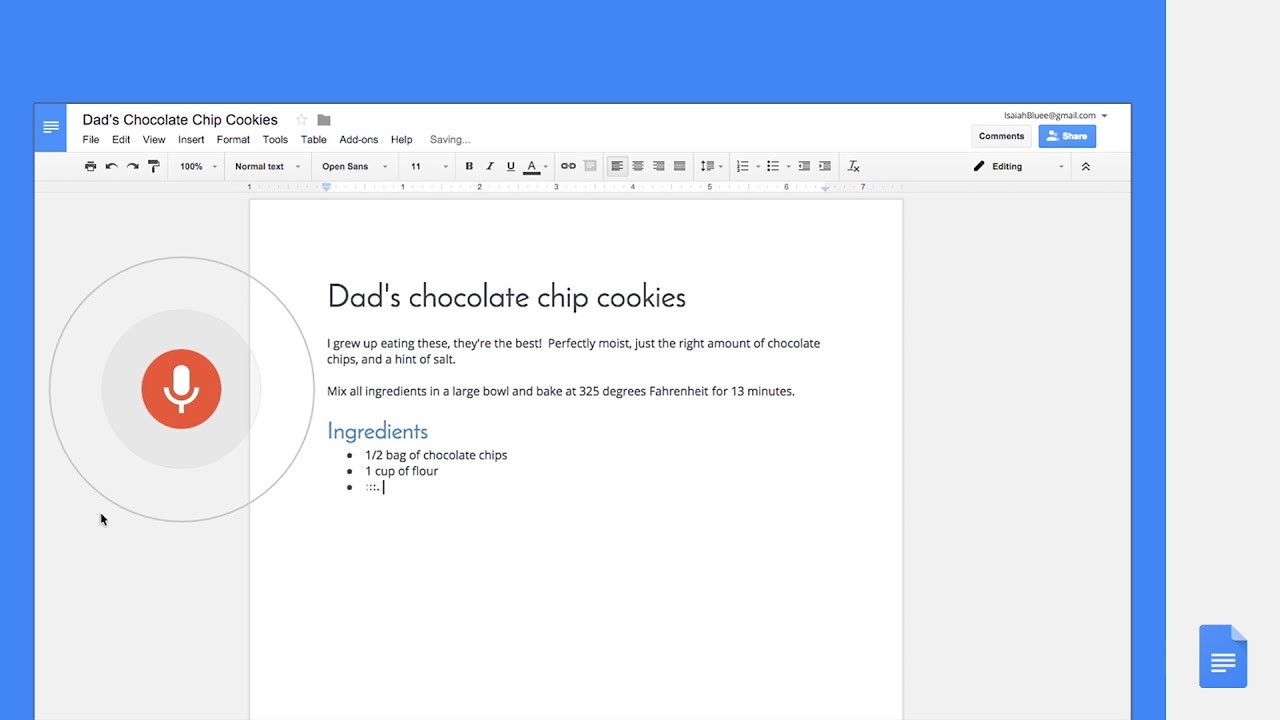
Type, edit and format with your voice in Docs—no keyboard needed!
Posted
February 24, 2016
Views
146,127
Likes
592
Comments
31
Engagement
0.43%
February 24, 2016
146,127
592
31
0.43%
Every word spoken in this episode is indexed. Type any phrase to jump straight to the moment it was said.
Type any word or phrase that may have been spoken. Click a result to seek the player to that exact moment.
Try a name, a topic, or a quoted line
 0:40Now Playing
To get started, select ‘Voice typing’ in the ‘Tools’ menu when you’re using Docs in Chrome. Say what comes to mind—then start editing and formatting with commands like “copy,” “insert table,” and “highlight.” goo.gl/lwU2yz
Sentinel Indexing in Progress
Metadata and chapters are available. Claim extraction for this episode is pending.
All video content is delivered via YouTube embedded players in accordance with the YouTube Terms of Service. Sentinel provides research tools that promote discovery and accountability across political media.