Google
@google·14.3M subscribers·2.8K videos
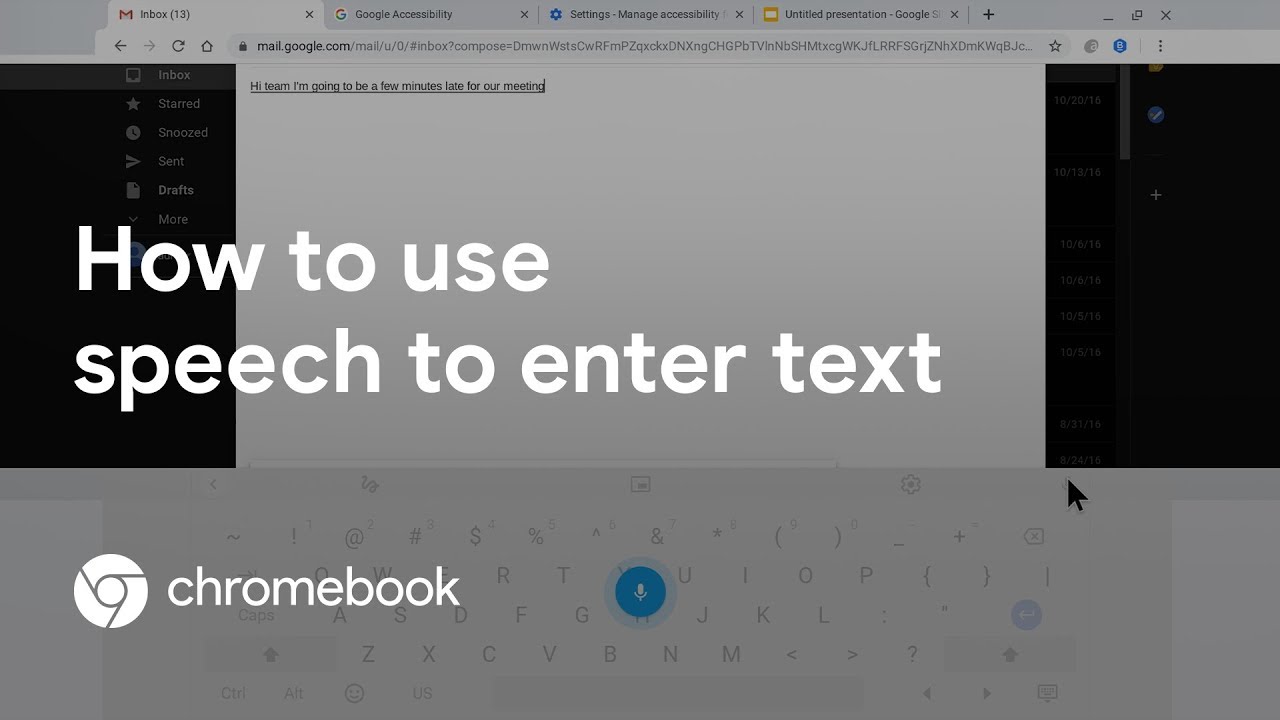
How to use speech to enter text on your Chromebook
Posted
June 21, 2019
Views
223,826
Likes
1,504
Comments
131
Engagement
0.73%
June 21, 2019
223,826
1,504
131
0.73%
Every word spoken in this episode is indexed. Type any phrase to jump straight to the moment it was said.
Type any word or phrase that may have been spoken. Click a result to seek the player to that exact moment.
Try a name, a topic, or a quoted line
 5:58Now Playing
Learn the different ways to use voice to enter text on your Chromebook. In this video, we cover how to use the dictation feature available in Chromebook accessibility settings, using speech within the on-screen keyboard, and leveraging Google Docs Voice Typing.
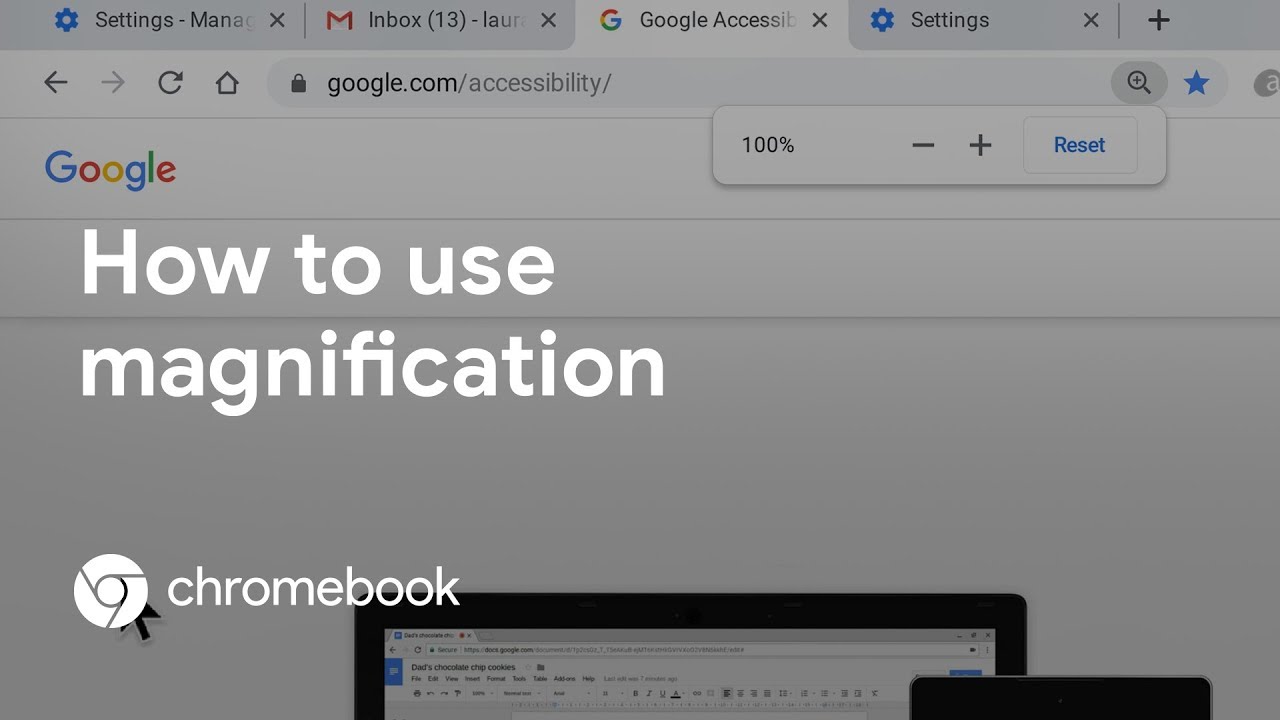
Take your knowledge to the next level and see how to use magnification on your Chromebook:
To learn how to do more with your Chromebook, visit
Questions? Connect with our support team: g.co/disabilitysupport
Sentinel Indexing in Progress
Metadata and chapters are available. Claim extraction for this episode is pending.
All video content is delivered via YouTube embedded players in accordance with the YouTube Terms of Service. Sentinel provides research tools that promote discovery and accountability across political media.